Moving to activities
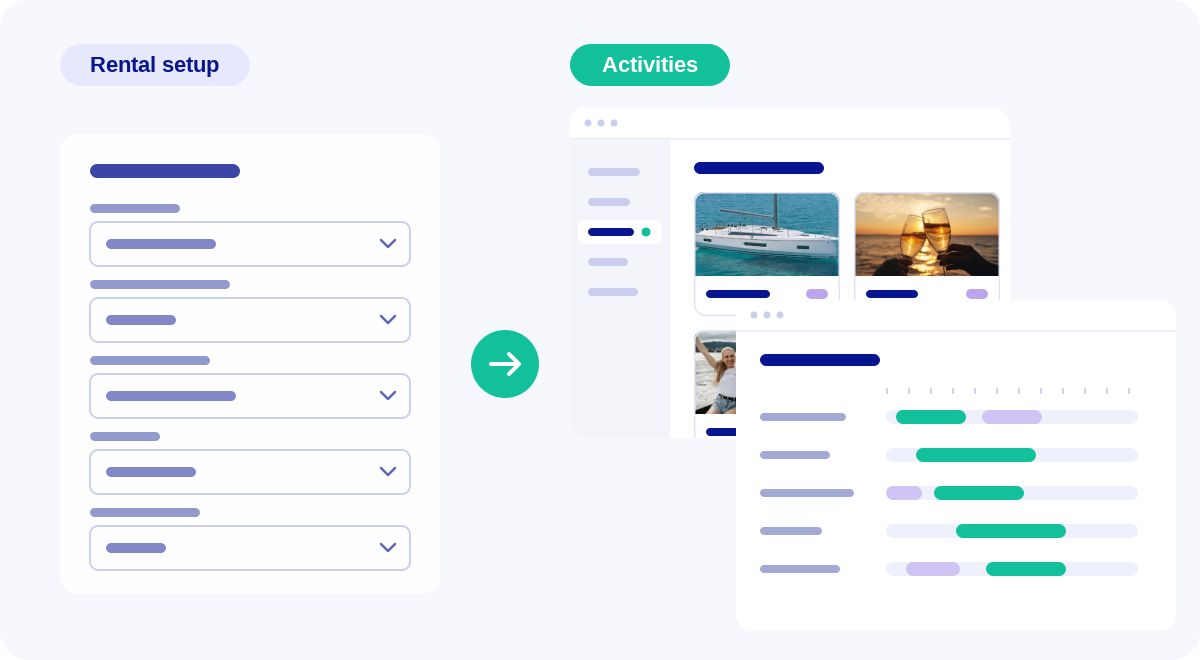
Your rental setups are getting a makeover, and from now on they're called activities: same boats, same customers, a simpler way to set it all up. We do the heavy lifting. You check that everything looks right, and your customers keep booking as usual until the switch.
What changes
More and more of you don't just rent out a boat from a dock. You sell something to do on it: a sunset cruise, a guided tour, a day out on the water. That's also what customers look for today, and activities are built around that idea. Renting out a boat by the hour works just like before, but now everything you offer gets its own name, times and prices.
Same boat, same dock, same prices. You just tell your customers what they get to do.
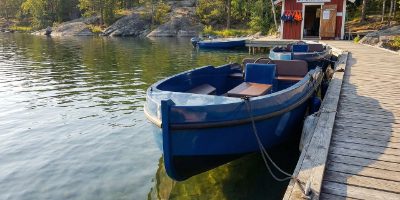
A boat model at a dock
Sail yourself
Explore the water around town at your own pace.
2 to 4 hours
Behind the scenes nothing changes: it's still that boat, from that dock. But your customers no longer pick a boat model, they pick an afternoon on the water. Same boat. Better story.
What's improved
- One boat, many activities at once
Offer the same boat by the hour, as a trip with a skipper and for a full day, side by side. Each with its own times and prices.
- Everything in one place
Boats and docks, photos, questions, add-ons and booking rules live on the activity. No more puzzling combinations together.
- Customers see what they book
Your activities get a name, a photo and a story, not just a boat model.
- Your season at a glance
Booking periods show when each activity runs and at what price, across the whole year.
- Check every price first
The Check step shows what a customer pays for each day and time, and how the price adds up.
- Easy to try new things
Set up a new activity as a draft, preview it, and publish it when you're happy.
- You decide what comes first
Group activities in categories and set the order customers see them in.
- The right extras in the right place
Offer each add-on only on the activities it fits. Ask for a boating license only when there's no skipper.
- Move one departure
Bad weather? Move or cancel a single trip without touching the rest of the schedule.
Coming soon
- A new booking form
Built around your activities from the ground up.
- Ticketed activities
Sell seats on shared tours, with a live count like "10 of 12 sold".
- Sell through partners
Share a direct link to one activity or category, and sell through platforms like GetYourGuide.
- The best boat, picked for you
Let's Book matches the boat to the number of seats sold.
- Booking requests
Customers send a request or hold an option, and you confirm when it works for you.
- Start and end at different docks
Pick customers up at one dock and drop them off at another.
What stays the same during the move
- Your customers book exactly as they do now. They don't see activities until the switch.
- Your bookings, planning and payments work as usual.
- Add booking in the dashboard asks whether you book with or without an activity. Without an activity is the default and works the way you're used to.
Need to change a schedule or price during the move? Changes to your rental setups don't copy over to your activities. Ask support, so both stay in sync.
Questions
Chat with us using the button in the bottom right corner, or reach out to your contact at Let's Book. We're happy to walk through your activities with you.