Released versions

Advanced conditions per customer type

Versionv1.10

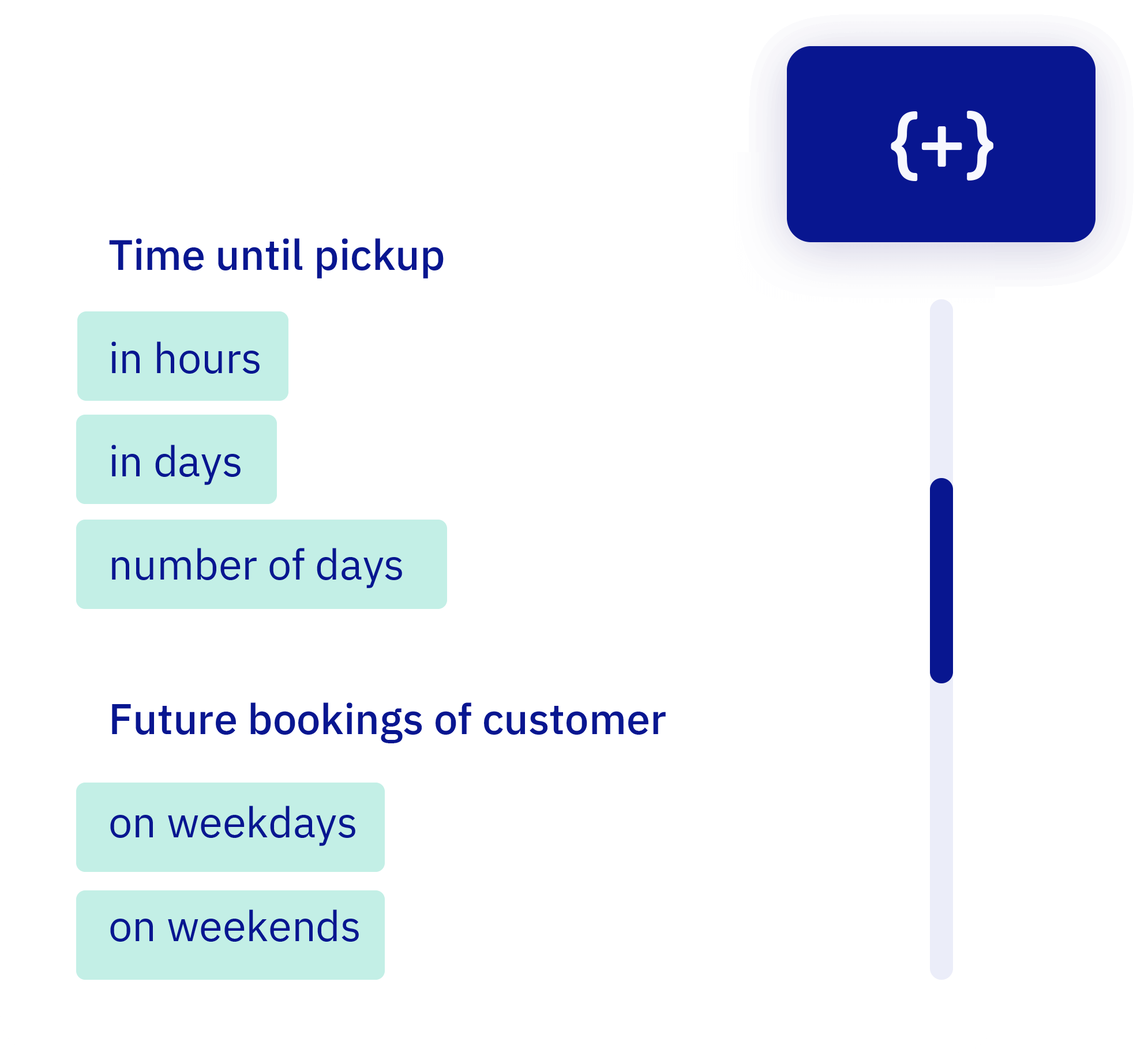
We already supported standard rules—but now you can handle almost every edge case. Set precise conditions per customer group: how far in advance they can book, on which days, with how many people, and more.

List of available variables

Even the most specific scenarios are now possible using AND/OR logic. Everything runs automatically in the background. Got a fun edge case in mind? We're happy to help.

Other small updates

  • Even more system e-mails are now translated
  • Switching boats? Default settings are now a bit more forgiving
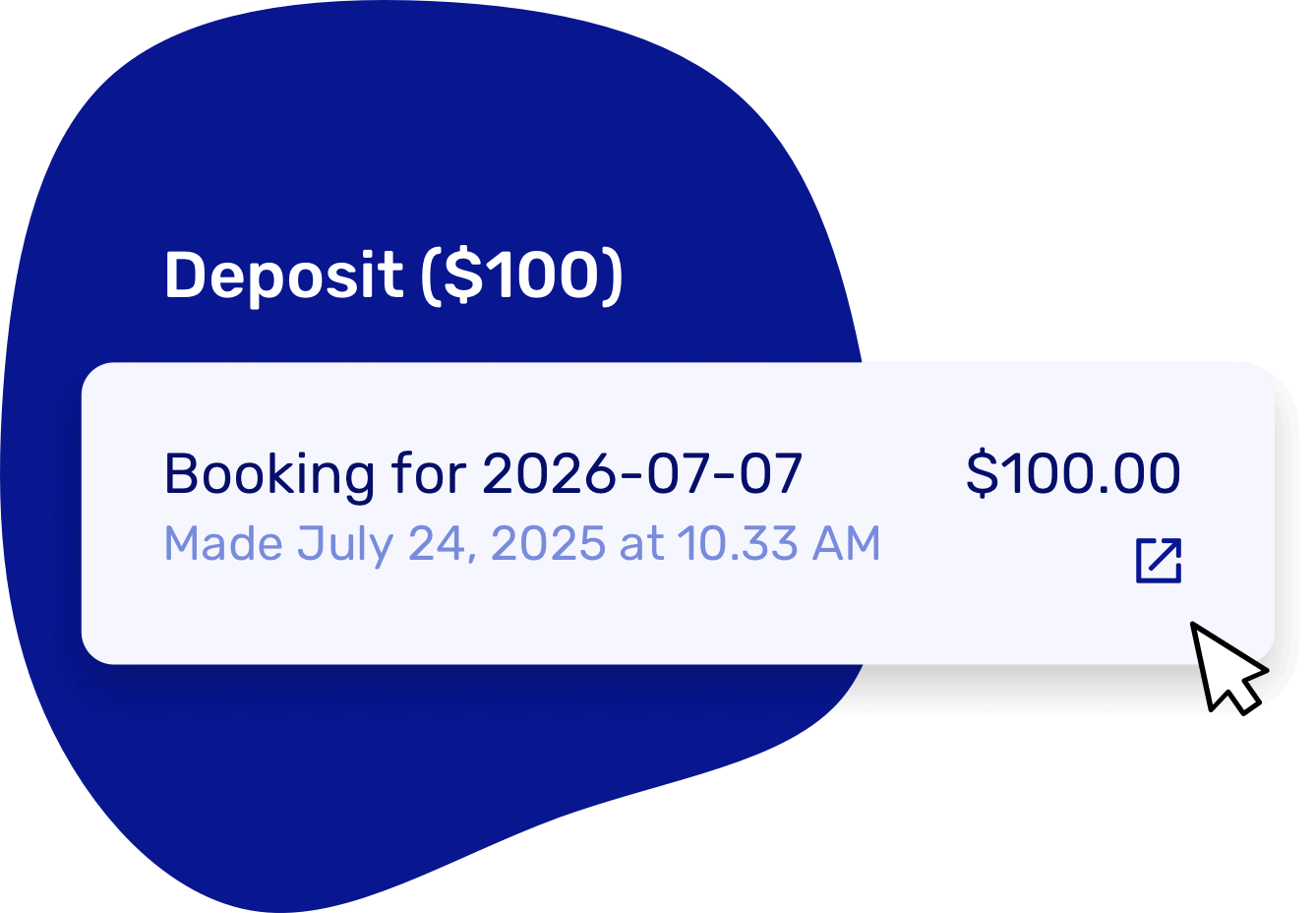
  • Deposits were charging too early — now they wait their turn.
  • Mollie withdrawals and Stripe metering — all up to spec now.
  • Fixed lots of bugs and made small improvements throughout the system

Want to fine-tune who can book what and when? Configure rules per customer type.

Custom booking labels

Versionv1.9

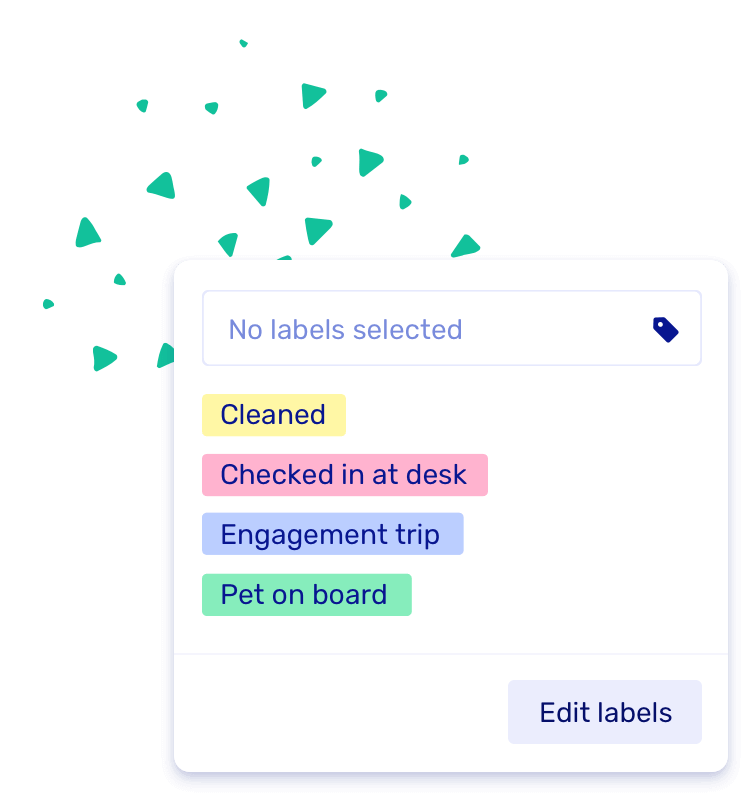
Labels are here! You can now add your own labels to bookings — like "Cleaned", "Engagement trip", or "Birthday Surprise" — to keep things clear and organized. It's a fun and flexible way to filter and find what matters most in your booking overview.

Screenshot of the new labels feature

Other small updates

  • You can now click back and forth to a booking detail page without losing your filters — we'll remember them for you!
  • Also: we squashed a bunch of bugs. 🐞

Sync your bookings to your personal calendar

Versionv1.8

Stay on top of your schedule wherever you are. You can now connect Let's Book to your Google Calendar, Apple Calendar or Outlook so all your upcoming bookings automatically appear in your personal calendar.

How it works

We generate a unique calendar feed link for your account that syncs your booking schedule with your external calendar app. It's view-only, so you can see your bookings but any changes need to be made in Let's Book.

What gets synced:

  • Bookings from the past 7 days
  • Bookings for the next 30 days
  • Updates automatically based on your calendar app settings

Update timing:

  • Google Calendar: Updates every 12 hours
  • Apple Calendar: You control refresh rate (minimum 5 minutes)
  • Outlook: Based on your local settings

Setting it up

Go to your profile page, find "Stay in sync" and click "My calendars". Toggle enabled, copy the link, and add it to your calendar app of choice.

Detailed setup instructions: Sync with personal calendar

Calendar sync

Other updates

  • Fixed various bugs
  • Unavailable time slots are now easier to spot in the booking form
  • Updated dashboard font for better readability

Customer notes, schedule duplication & SMS automation

Versionv1.7

We've added some handy tools to make your daily operations smoother.

Notes per customer

Keep useful customer info right where it belongs—no more sticky notes. Add remarks directly to each customer profile.

Track things like dietary restrictions, previous issues, VIP preferences, or equipment requests. Notes appear in booking details and during check-in, so your team always has the context they need.

Duplicate rental schedules

Working with complex schedules? You can now duplicate and tweak them in no time.

Perfect for seasonal operations - duplicate your summer schedule for next year, then adjust pricing or availability as needed. Set up complex schedules in minutes instead of starting from scratch.

Rich text in descriptions

Boat and dock category descriptions now support rich text. Add links, lists, or extra details to inform your customers.

Add clickable links to equipment manuals, create bulleted lists of included features, or format text with bold/italic emphasis. Enhanced descriptions appear throughout the booking flow.

SMS after a trip ends

You can now send an automatic text message when a trip ends, to remind customers to return their boat.

Reduce confusion and no-shows with automatic return reminders. Customize your message and timing in notification settings.

Other improvements

  • Improved security and performance
  • Application fees are now calculated over whole amount when using downpayments
  • Place all boats of a boat model at a dock at once

Smart Alternatives

Versionv1.6

Smarter bookings, fewer drop-offs

We've added a powerful feature to keep customers booking when their first choice isn't available: Smart Alternatives. When a boat is unavailable, we automatically suggest similar boats from the same category.

How it works

Smart Alternatives uses boat categories to suggest relevant alternatives. If someone wants a "Speedboat 8p" but it's booked, they'll see other boats in the "Speedboat" category that are available.

The flow:

  1. Customer picks a boat that's unavailable
  2. System checks the boat's category
  3. Shows available alternatives from the same category
  4. If no boats available that day, suggests alternative dates/times

Setting up categories

To use Smart Alternatives effectively:

  • Go to your boats, select a boat model, and click Edit
  • Use the Category dropdown to assign boats to logical groups ("Small boats", "Speedboats", "Luxury", etc.)
  • Create categories that make sense for your fleet and customer choices

Control options

You have full control over when alternatives appear:

  • Turn off suggestions per category if certain boats shouldn't be alternatives
  • Disable the feature entirely via the alternatives page
  • Configure which alternative dates/times to show when nothing is available

This keeps more customers in your booking flow instead of leaving to find alternatives elsewhere.

Other updates

  • Improved alternative date suggestions when there's no availability
  • Fixed several bugs throughout the platform
  • You can now change your booking page URL independently from your business name

Stripe users can now choose their own payment methods

Versionv1.5

We've upgraded our Stripe integration, giving you even more flexibility in how you accept payments. You can now choose exactly which payment methods you want to offer your customers:

  • Apple Pay & Google Pay – Fast and secure mobile payments.
  • Swish – Popular in Sweden for instant bank transfers.
  • iDEAL, Blik, Link, Bancontact, Giropay, Przelewy24 & More – Regional favorites across Europe.
  • Revolut Pay & Amazon Pay – Modern alternatives with global reach.

By selecting only the methods that suit your audience, you streamline the checkout process and increase conversion rates.

Manage payment methods in your dashboard via Integrations.

Payment providers

Other Updates

  • If a chosen day is booked, we'll suggest the best alternative dates by checking 3 days back and up to 10 days ahead based on your schedule.
  • We've added a new hardware integration with Santos Boats, allowing you to directly connect their boats to Let's Book.

Pass the booking fee to your customers

Versionv1.4

We're introducing a new feature that gives you more flexibility in handling booking fees. Instead of absorbing the platform fee yourself, you can now pass it on directly to your customers.

Key Benefits

  • Better Margin Control – Ensure your profits are unaffected by platform fees.
  • Flexible Pricing – Decide whether to absorb the fee or pass it on.
  • Seamless Integration – The fee is automatically added to the final customer price at checkout.

With this update, you have full control over how booking fees are handled, making your rental business even more efficient.

Other smaller updates

  • Added an option to show costs at the payment step.
  • Set a maximum number of bookable boats per boat model.
  • Default selection of the guest customer type when creating a new customer.
  • Enabled showing amounts excluding tax until the payment step.

Add custom questions to your booking flow

Versionv1.3

You can now personalize the booking process by adding custom questions. Gather all the details you need, such as:

  • Experience level
  • Special requests or preferences
  • The occasion for the trip
  • Where customers would like to be picked up

Answers are saved with each booking for seamless preparation. Start customizing your flow today via your dashboard!

Other smaller updates

  • Automatic Cleanup: Expired bookings older than one week are now automatically removed to keep your system tidy.
  • Custom Slot Names: You can now configure the names of your slots in payment overviews for clearer reporting.
  • New for Boat Clubs: Set monthly and daily limits on future booking hours for specific customer types to better manage availability.

Language packs

Versionv1.2

Got customers from around the world? Let's Book has you covered! Your platform now speaks multiple languages, so you can easily switch the language of your dashboard and offer a booking form in your guests' preferred language. Make your customers feel at home, wherever they're from.

How to use

Pick languages of my booking form

Go to text & languages to add your preferred languages.

Next, visit the notifications section to customize and fine-tune the emails you send out.

Change my dashboard language

Go to your profile page and select 'Language dashboard' from the dropdown.

New text editor

We've created a new text editor to make managing your emails simpler and more efficient.

  • Edit emails in the languages you've set up for your rental business.
  • Add variables yourself—it's not just text anymore! Make your emails more dynamic by including images, buttons, and even full content blocks.
  • Customize the design to perfectly match your branding.

All default notifications have been updated and translated, giving you the perfect starting point to tailor them to your needs.

Other smaller updates

  • Customize the font color of the messages you send to your customers.
  • We added a language switch in the booking form. You can also hide it via your booking form settings.
  • Various styling improvements.
  • We caught more bugs than a summer night around the campfire!

Our new contract & waiver integration

Versionv1.1

Excited to announce our new contract integration in Let's Book! Customers can now easily sign waivers or contracts and snap photos before or after their trip. We're excited to partner with WaiverForever, a modern and affordable platform that makes managing all these documents a breeze.

How it works

Booking confirmation with link

After booking, your customer receives a booking confirmation with a waiver link. They can easily click the link to access the waiver form.

Sign the waiver or contract

Customers can sign the waiver electronically. You can configure whether only the primary renter needs to sign, or if all passengers must sign the waiver.

Check and sign on-site

As a boat rental owner, you can see in Let's Book which waivers are signed. If necessary, customers can sign the waiver at the dock before departure.

You decide when your customers should sign the contracts and waivers.

The perfect timing

Whenever they like

Ensure a smooth start to their adventure by allowing them to sign the waiver at their convenience before departure.

On a tablet at the dock

Let them quickly and easily sign the waiver on a tablet provided by you or a staff member at the dock.

Scan a QR Code at the Dock

For their convenience, show them a unique QR code at the dock to scan and sign the waiver on their own device.

We have effectively integrated the waivers into the system. You can easily view the waiver status for each booking directly in your schedule, and you can also filter by waiver status in the bookings overview.

Convenient for daily use

Ready to integrate waivers into Let's Book? Check out our article on how to get started, with a step-by-step guide to make the process smooth and simple:

Get started

Show instructions

Overview

Other smaller updates: