A fresh coat of paint for your bookings overview
Versionv1.23
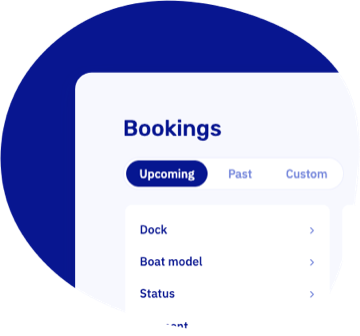
The bookings overview you know, now smarter and faster. Filters sit in an always-visible rail, a quick Upcoming / Past switch tops the list, and bookings are grouped by pick-up day under headers like "Today" and "Tomorrow". Your morning questions, answered at a glance: what arrives today, and who still needs to pay?
Open the bookings overview →Know exactly what your customers received
Every booking email and text message now shows up on the booking's new Notifications tab: what was sent, when, and whether it actually arrived. If a message doesn't make it, the booking gets marked on your overview and your dashboard warns you.
Fixing it takes one click: hit resend, correct the address if needed, and off it goes with the booking's current details.
See how it works →Other updates
- Tighter security all around. We hardened sign-in, two-factor authentication, and the customer area following an internal security audit. Nothing you need to do, just extra locks on the doors.
- Various performance and reliability improvements under the hood.
Bugfixes
- Boat models in the planning overview now follow the order you set on the models page, instead of doing their own thing.
- Resolved an issue where background tasks like emails could stall after a database hiccup.